Creating a game session
Use this flow before going live so your overlay is ready and your scoreboard updates cleanly from the first action.
1) Create a new game
From the app home screen, choose Create a game. The person controlling the stream layout (or a player) should start a new session.
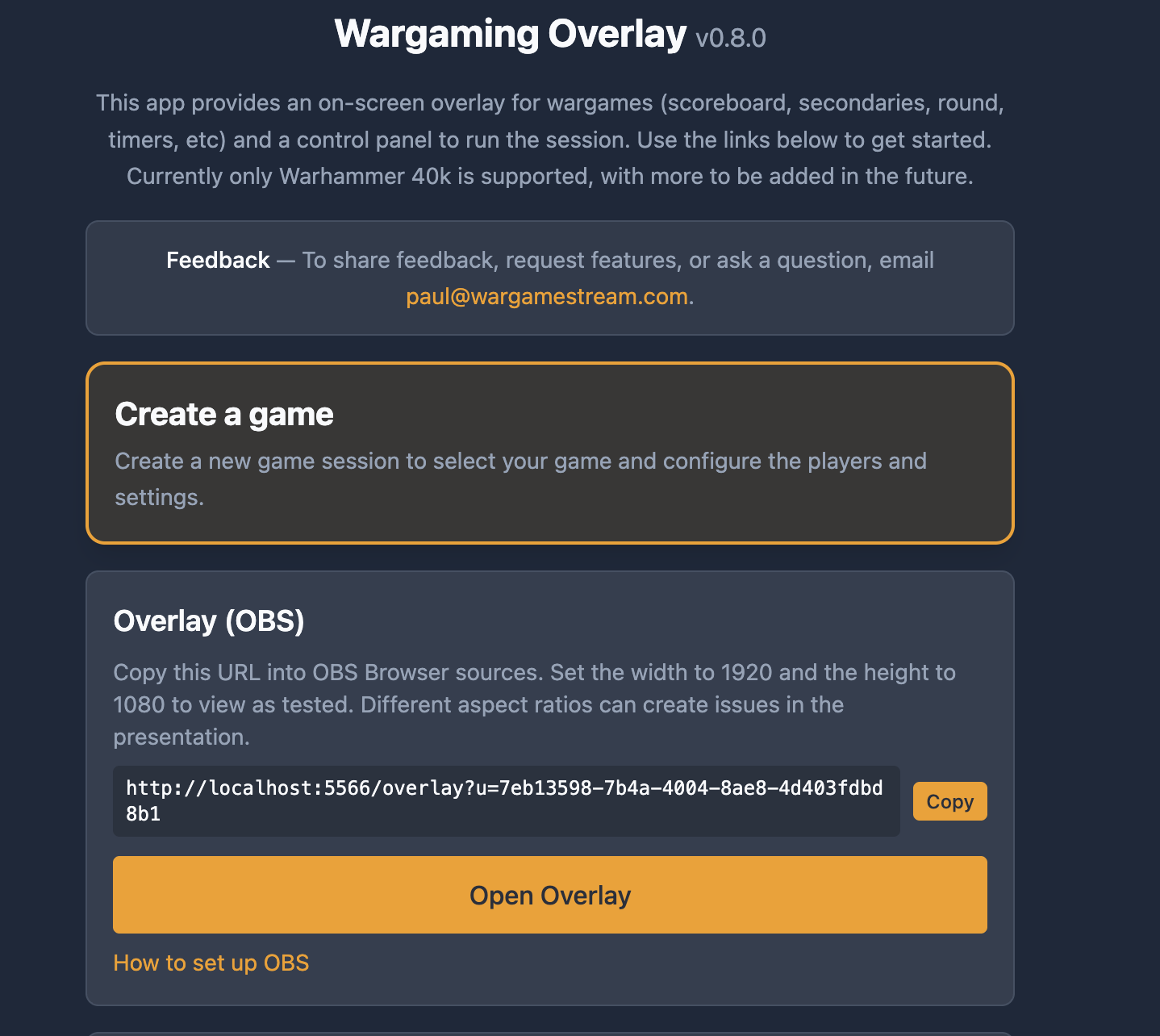
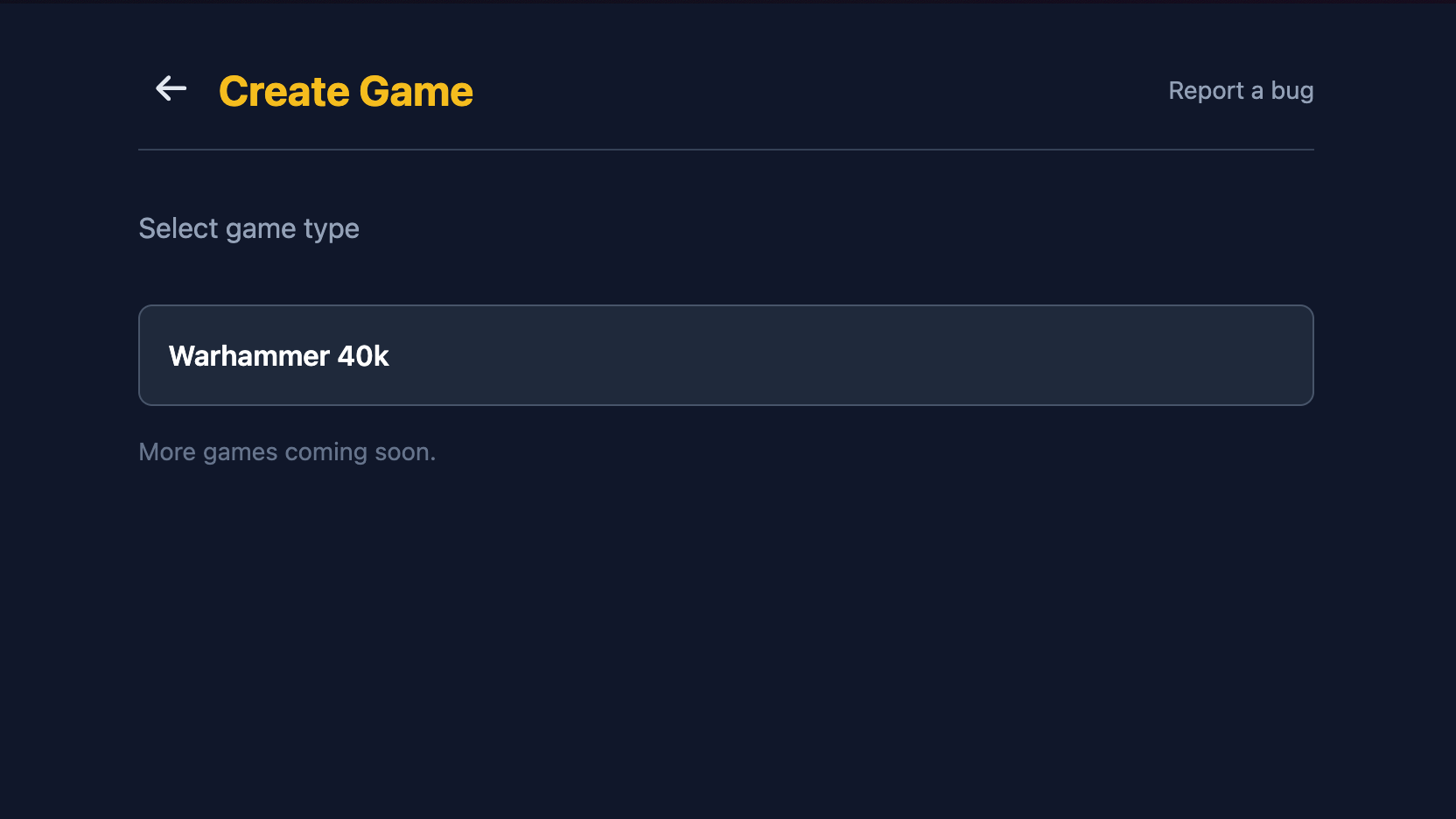
2) Select game type
Choose your game type. Right now the supported game is Warhammer 40K.
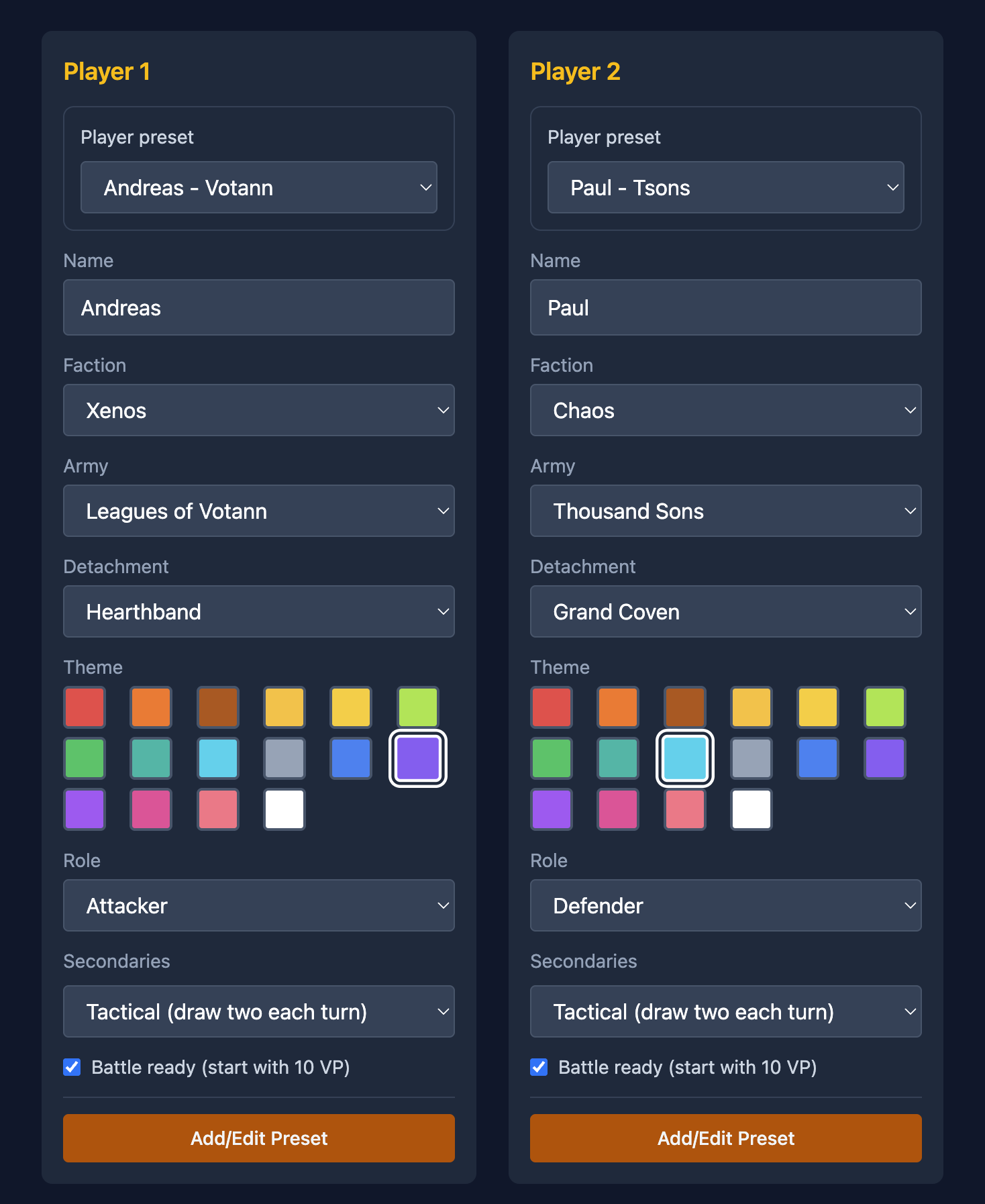
3) Configure game details
Enter player names, army details, and colors. If this account will be used regularly with the same players, save the setup as a preset for faster future sessions.
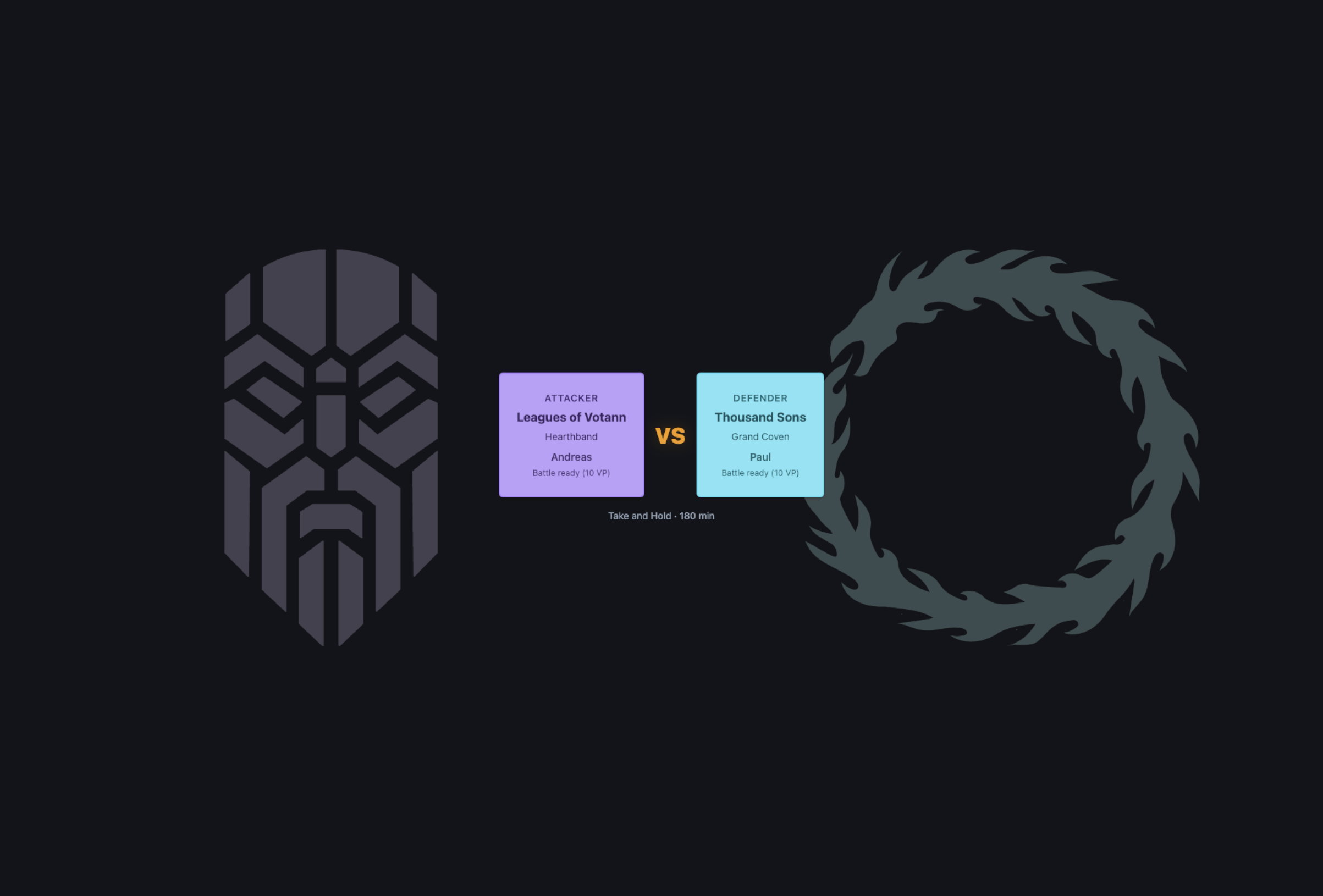
4) Prepare battle
When you select Prepare battle, you should see the first visible update on the scoreboard overlay.
5) Who goes first
Set who goes first. The chosen first player should now be marked on the scoreboard overlay.
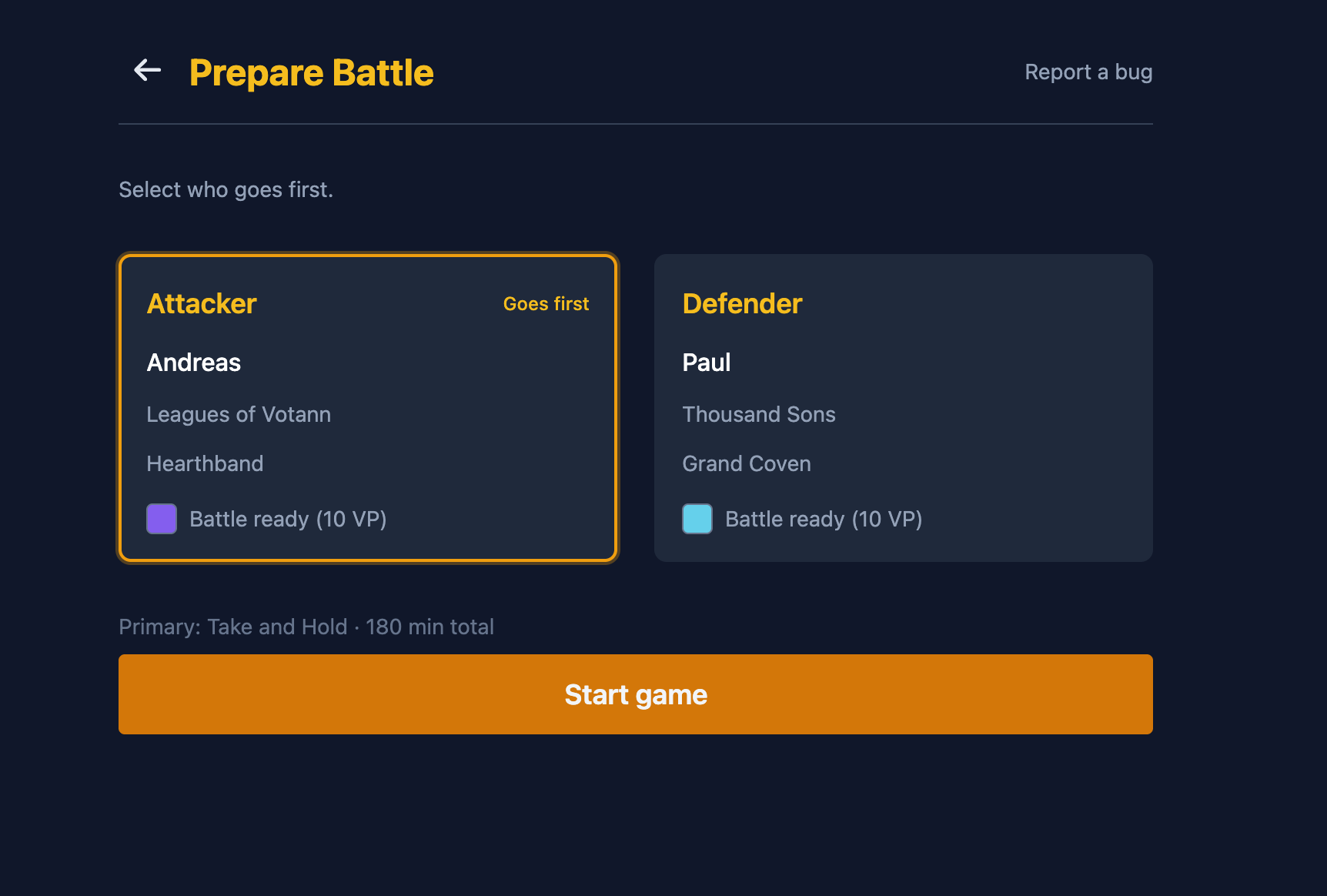
6) Start game
Once the game is started, the scoreboard should be live and ready to update throughout the match.
Next: controlling the game
Continue to the control flow guide for turn-by-turn updates and live operation.
Open the controlling the game guide